Log in to your Beincom account and select the “Create new community” button on the left side of the screen.
Step 2
Enter the necessary information for your Community, then click “Create”:
Name of the Community.
Community’s privacy level:
Open
Private
An appealing Introduction about the Community.
Topics of the Community.
Step 3
Start customizing your Community following the suggested steps on the left column, including setting a background image, profile picture, inviting new members, posting new articles, and other activities.
You’re right, the frequency of content creation is indeed a crucial metric that influences a user’s decision on whether to join a community. Regular updates can significantly impact engagement and growth, so it’s vital to keep your community active with fresh content!
On the Admin Panel interface, select “Create Inner Group”
Step 2
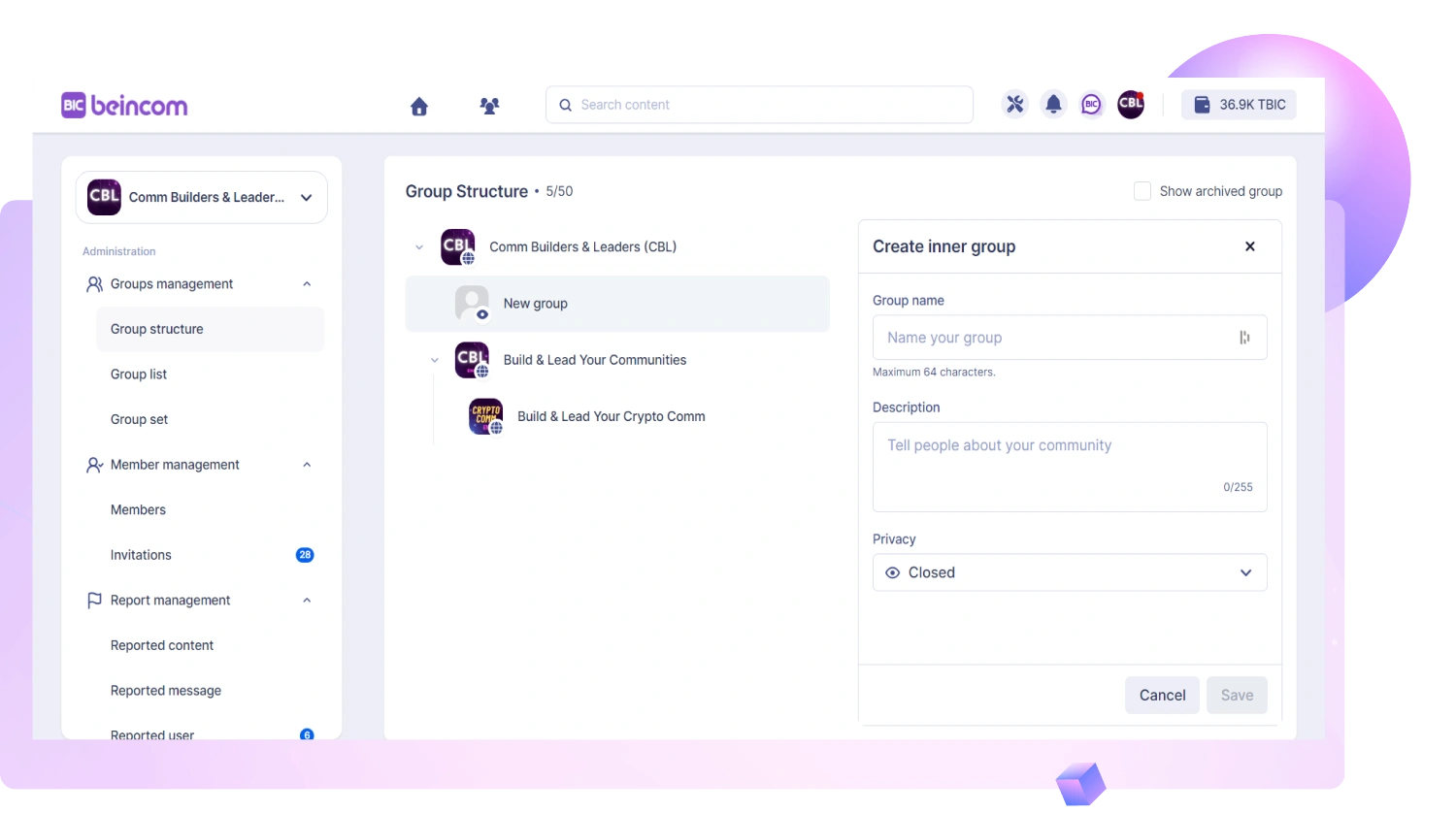
Fill in the necessary information for your Group and select “Create” .
The Group’s name
Privacy settings:
Open group
Closed group
Private group
Secret group
Introductory content about the Group.
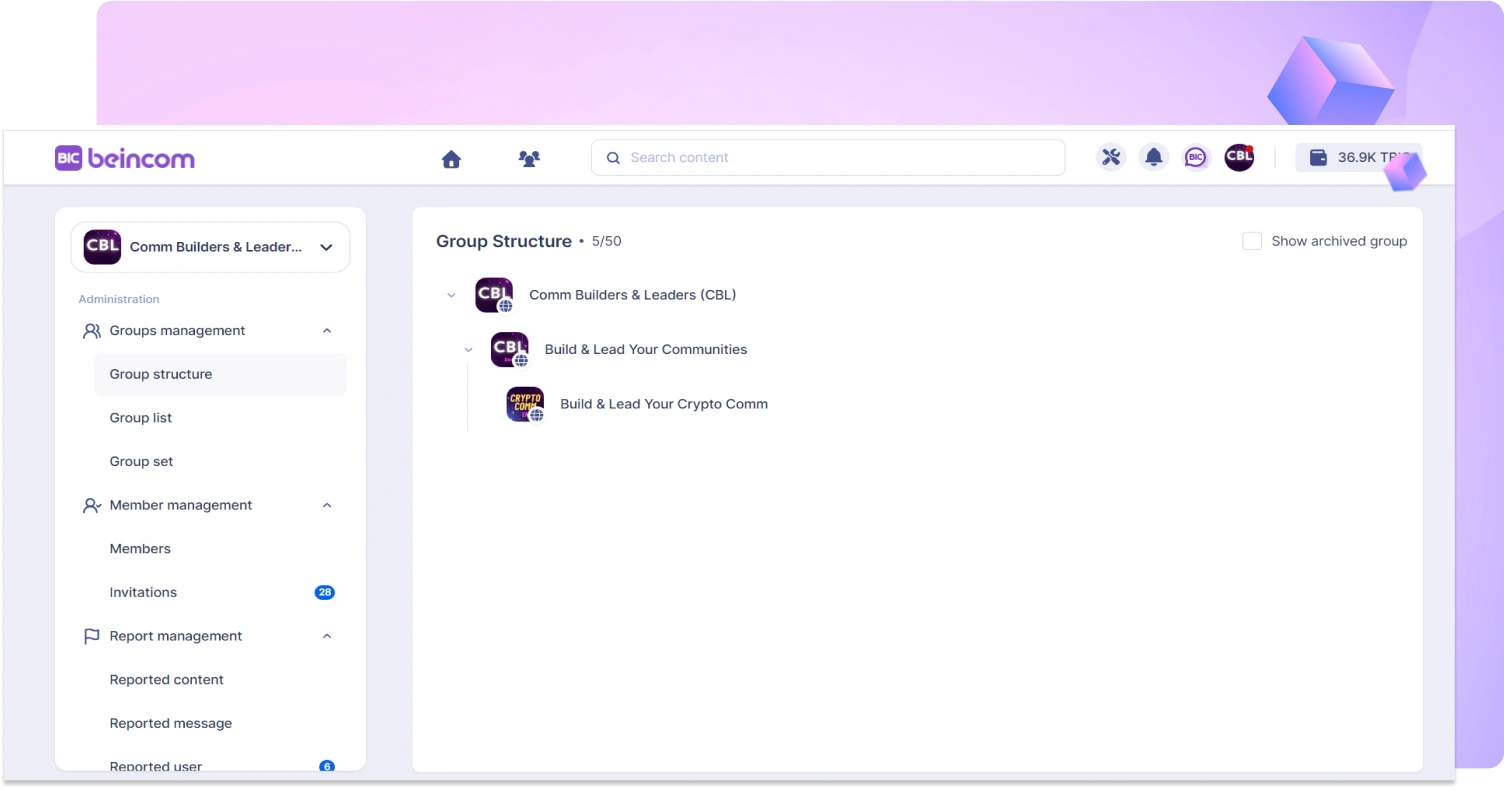
After creating your first Inner Group, it will appear at the lower left corner of your screen
Step 3
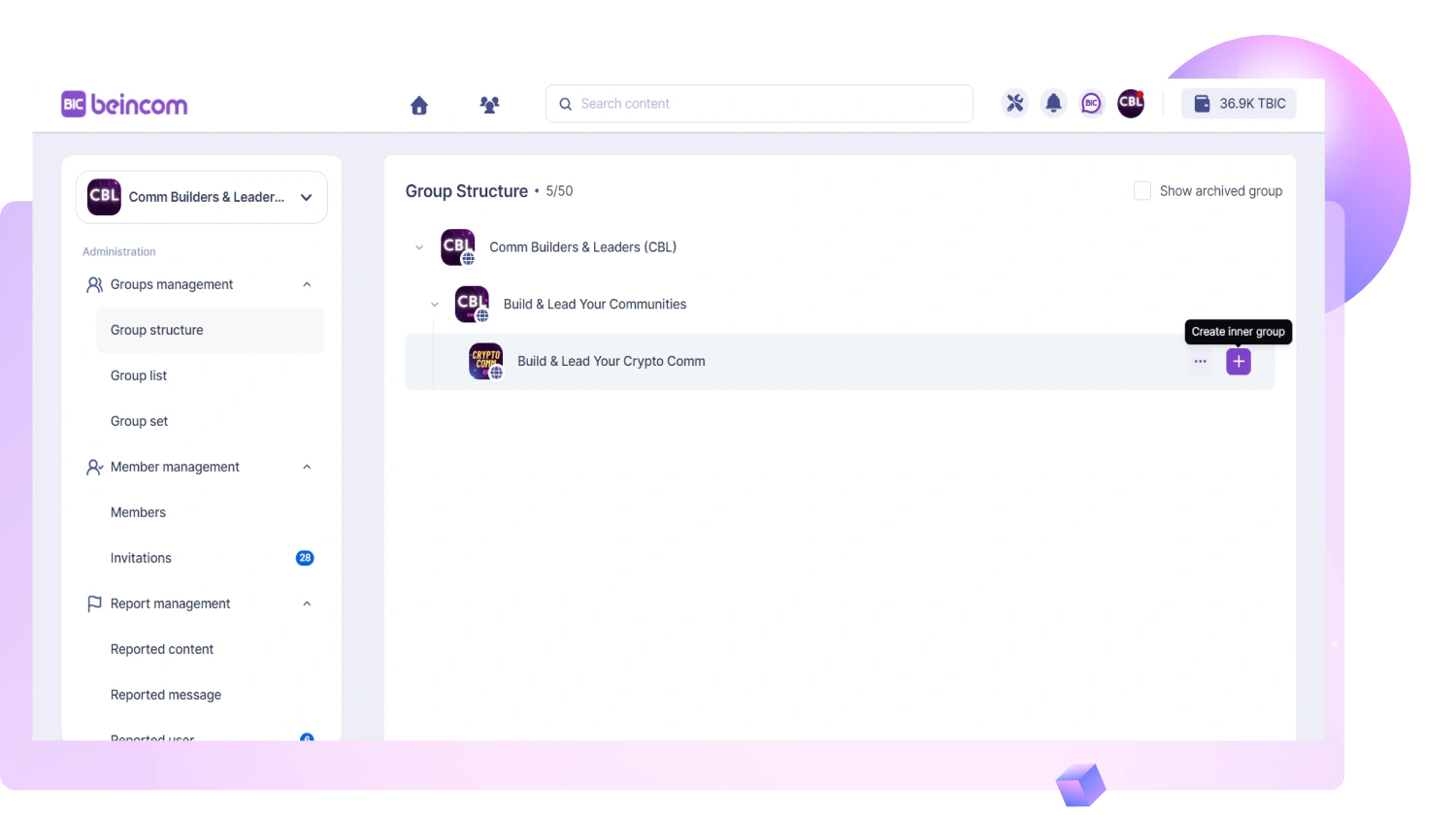
You can add more Inner Groups by clicking the plus sign (+) or “Create inner group” based on your needs. Each Community can structure up to 9 layers deep with 50 Inner Groups.
Select Admin Panel symbol on the top-right to access the tools.
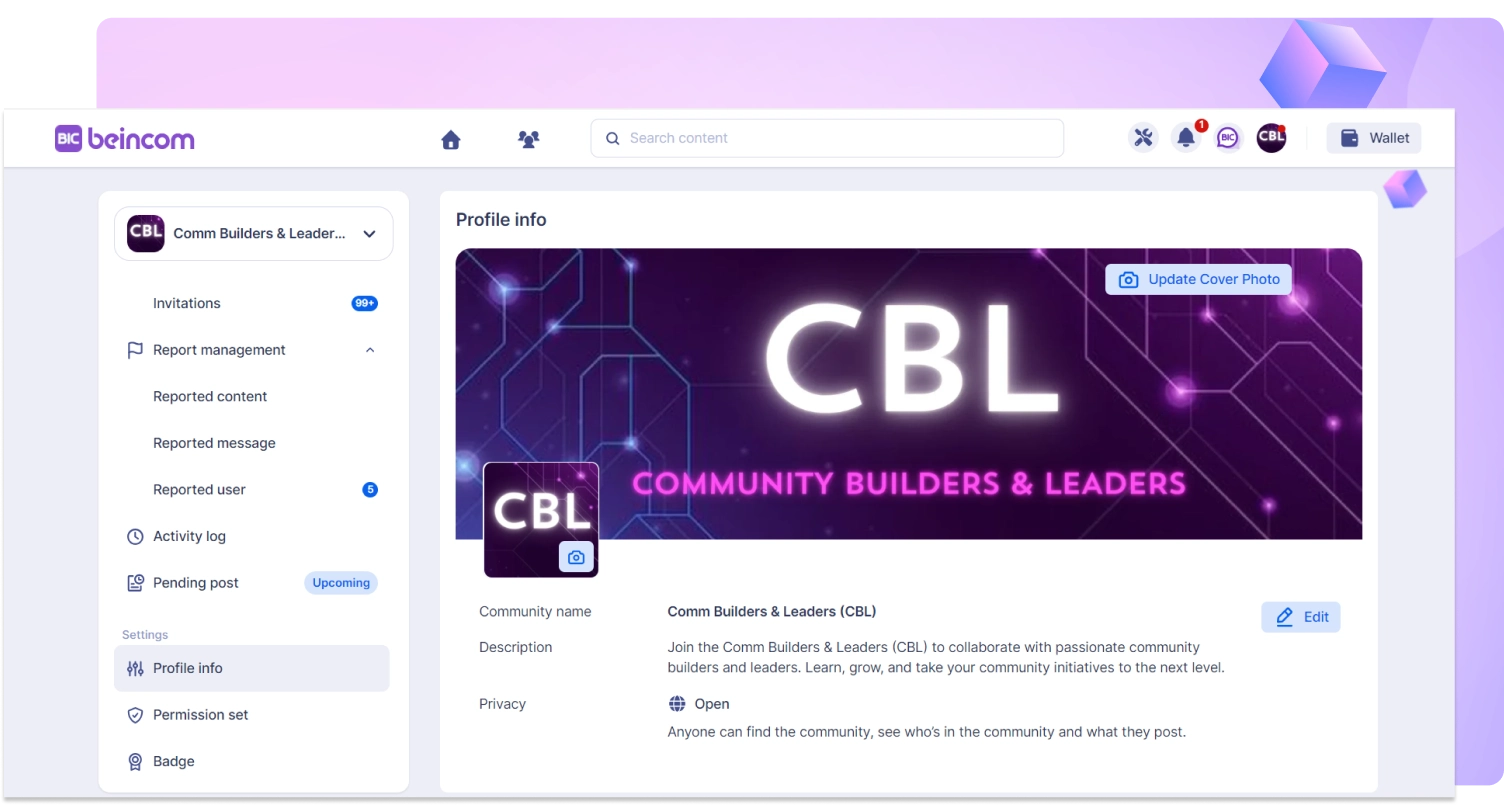
Change community profile
Setting up permissions for admins and members
View groups in the community
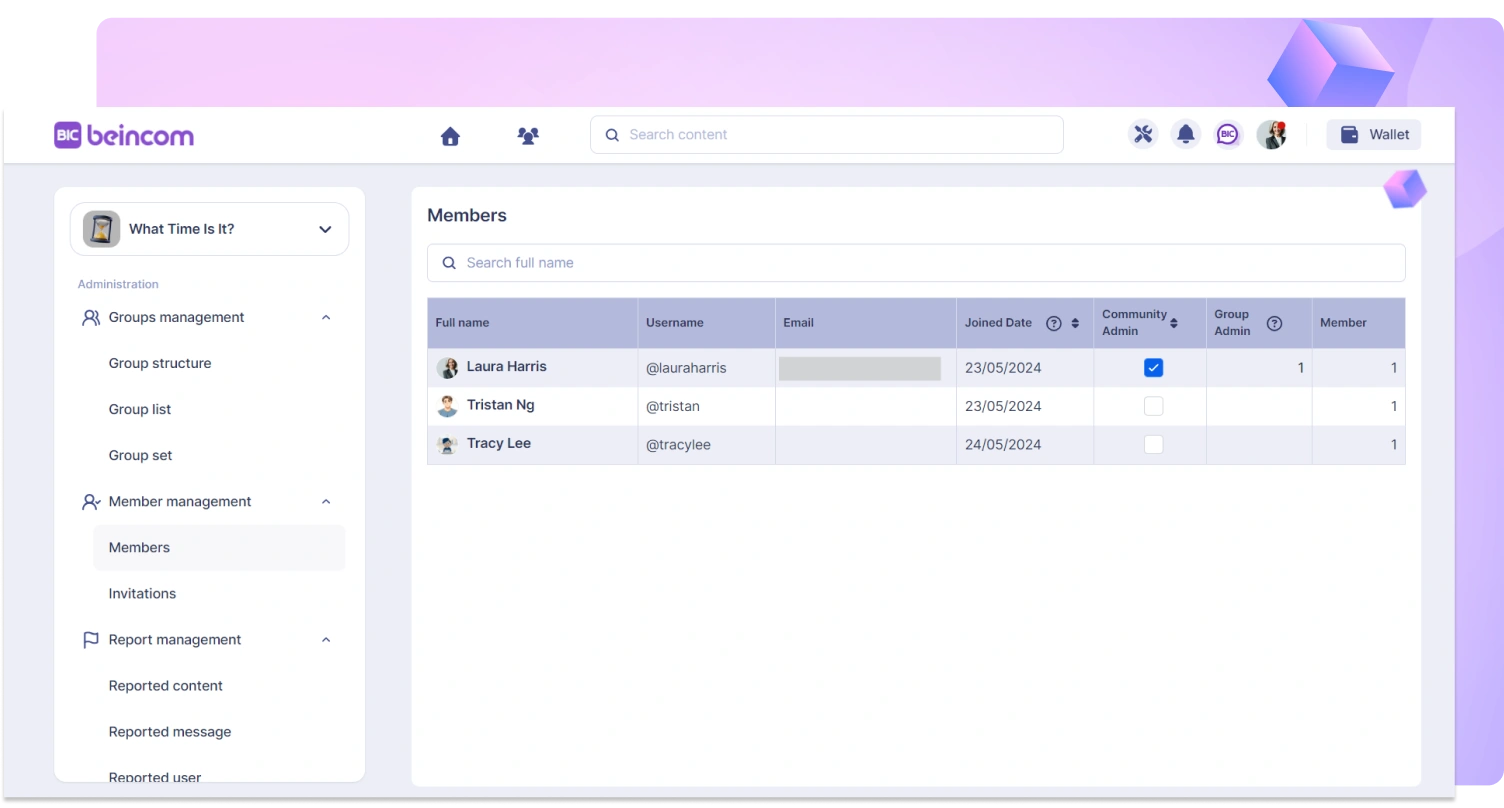
Viewing members within the community, inviting new members
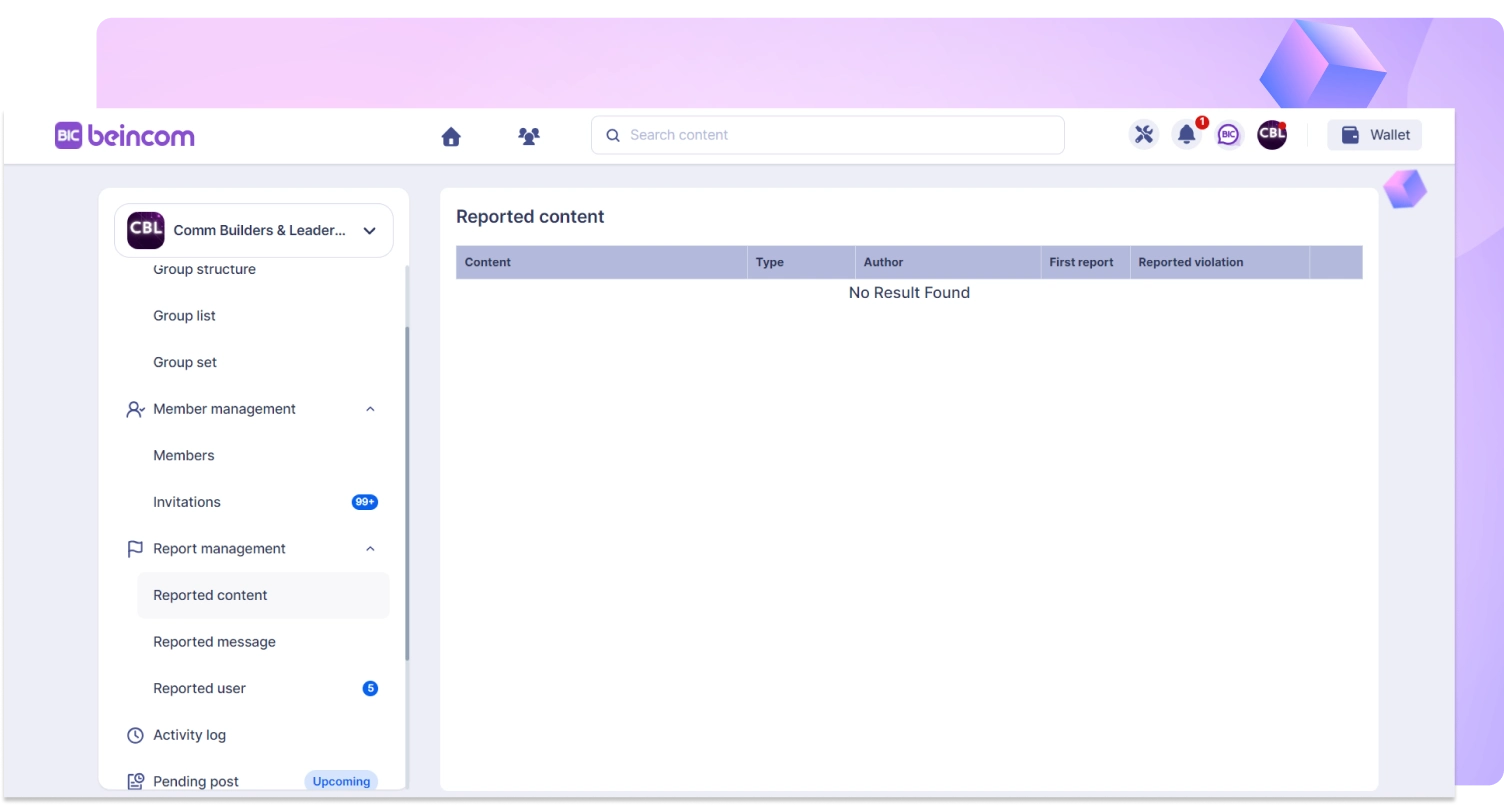
Managing and solving reported contents
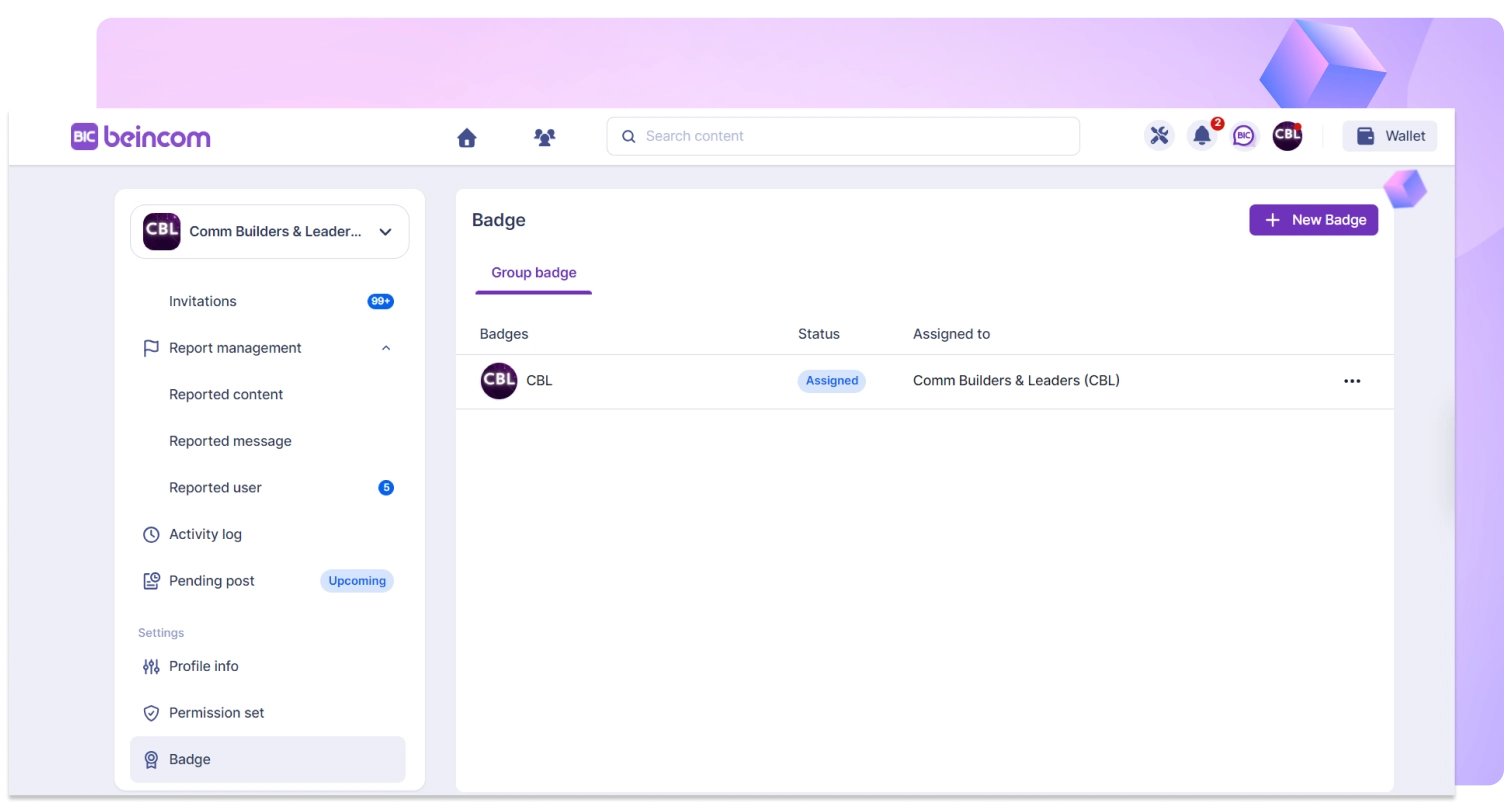
Create Badges for your community, group members can attach badges next to their names, each user can display a maximum of 3 badges and can change them.
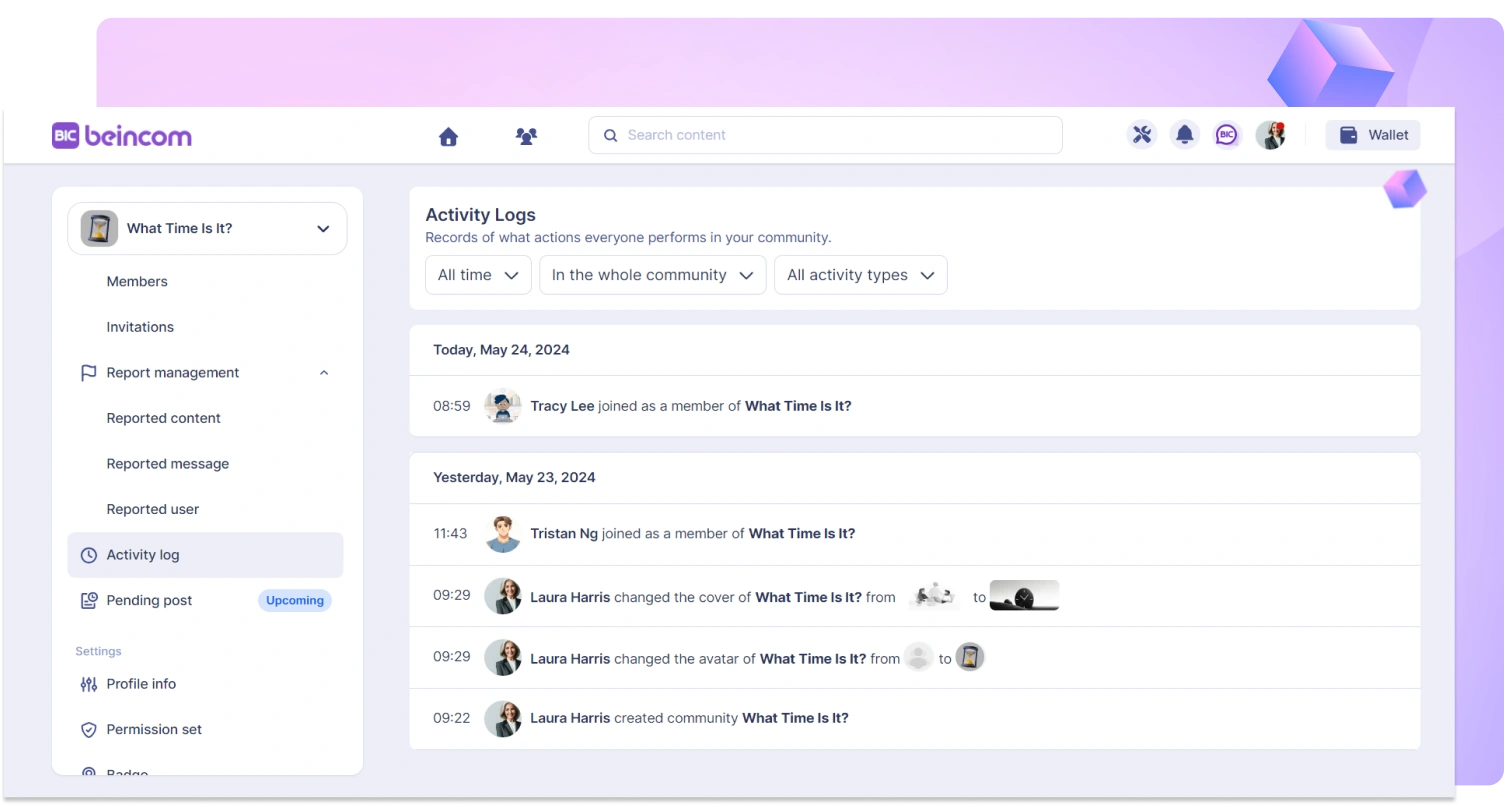
View the history of user actions performed on the community